


White balance editing is one of the most important — and most misunderstood — steps in photo editing. It doesn’t add style, contrast, or drama. Instead, it quietly ensures that colors behave the way they should.
After you read photo editing basics, this guide written for beginners and advancing photographers will make you understand white balance editing clearly, without confusing it with filters, color grading, or creative effects.
Moreover with tools like Peakto that help photographers bring their images together, with balance adjustments are made deliberately—on the right photos, at the right moment. A perfect way to optimize your workflow.
Quick Answer: What Is White Balance?
White balance editing is the process of adjusting a photo’s color temperature and tint so that neutral tones (white and gray) appear neutral and all other colors look natural. It corrects color casts caused by different light sources and creates a reliable color foundation before any further editing.
If your photos look too yellow, too blue, or slightly green or magenta, white balance is almost always the issue.
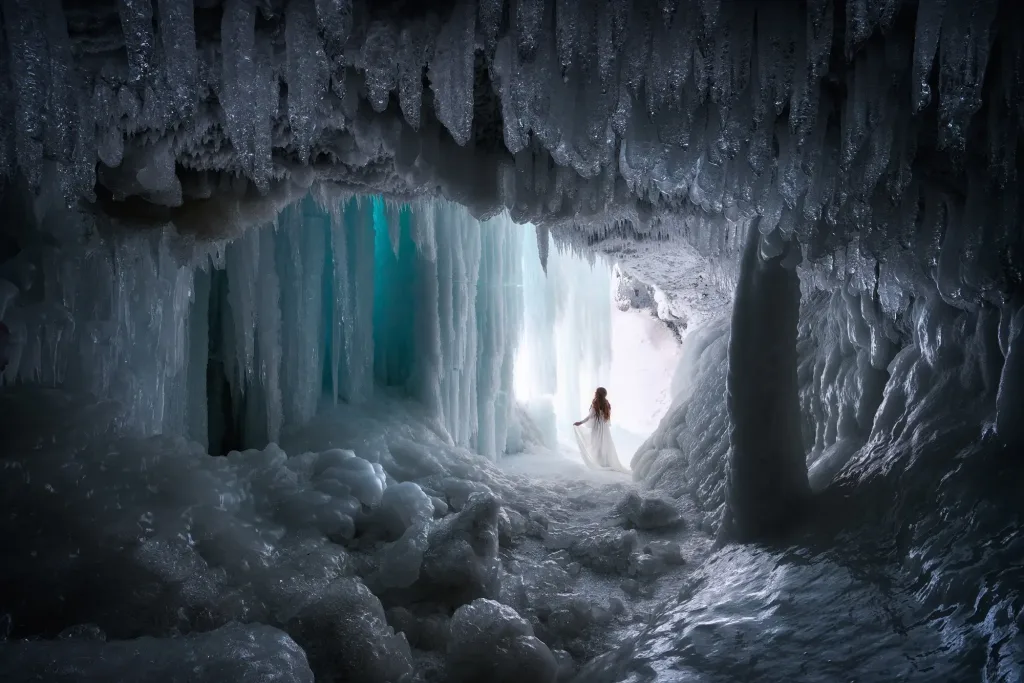
It varies from red to blue and is expressed in degrees Kelvin (K), on a scale of 1000 to 12,000 K. This information is found, for example, on light bulbs and helps you choose between a “warm” light (low Kelvin temperature, orange tint) and a “cold” light (high Kelvin temperature, bluish tint).

Understanding White Balance Editing in Photography
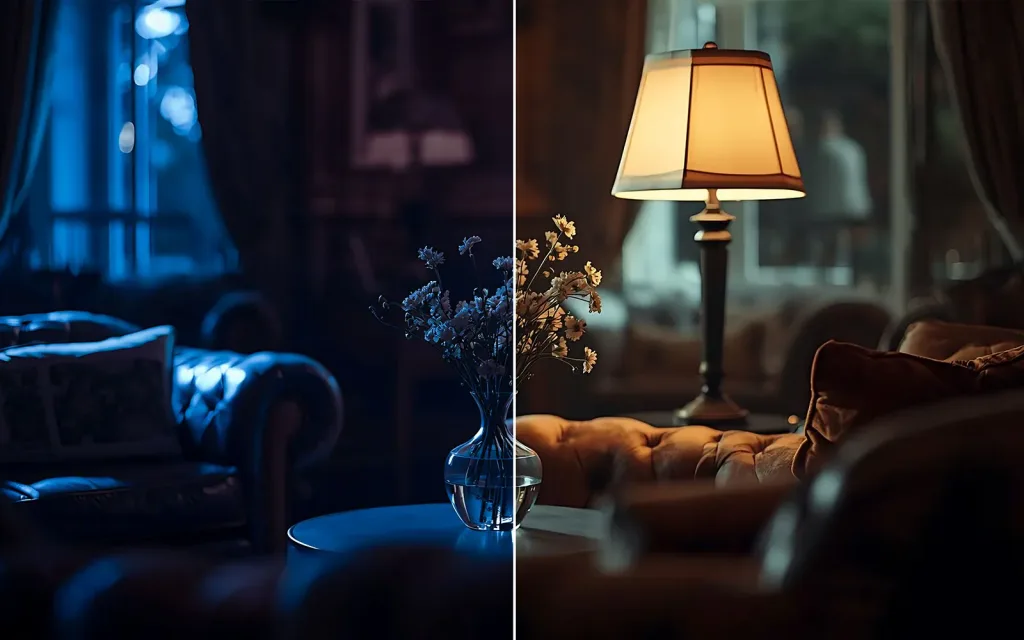
White balance defines what the image considers neutral.
Human vision constantly adapts to different lighting conditions. Cameras do not. As a result, photos taken under tungsten, fluorescent, shade, or mixed lighting often show a visible color cast — even when exposure is correct.
White balance editing corrects this by adjusting two parameters:
- Color temperature — from cool (blue) to warm (yellow), measured on the Kelvin scale
- Tint — fine adjustments between green and magenta
When white balance is correct:
- whites look white
- grays look gray
- skin tones feel believable
- colors stop competing with each other
This is why professional photographers adjust white balance on nearly every shoot, especially when working with artificial or mixed light.
Why White Balance Comes First (and how problems show up)
White balance is not a finishing touch. It is a foundation.
When white balance is off, everything that follows becomes harder to judge. Skin tones drift unnaturally, highlights and shadows pick up color casts, and decisions about contrast or saturation start compensating for a problem instead of refining the image.
This is why white balance editing appears early in most editing basics workflows. Correcting color neutrality first keeps later adjustments lighter, cleaner, and more intentional.
Beginners usually don’t notice white balance issues in theory — they notice them as symptoms.
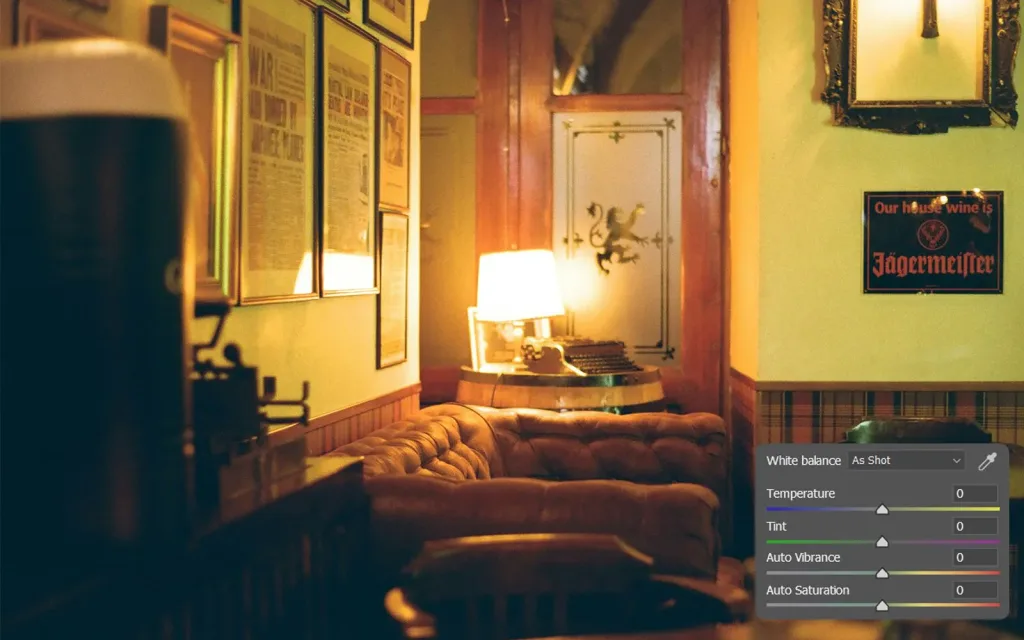
White balance editing is often needed when photos look too yellow or orange (indoor or tungsten light), too blue (shade, snow, overcast conditions), or slightly green or magenta under fluorescent or mixed lighting. Skin tones that never quite look right are another strong indicator.
If you recognize any of these signs, the issue is rarely exposure. It’s almost always white balance.
How White Balance Editing Works (in camera and in post)
In-camera White Balance
Cameras offer presets such as Daylight, Cloudy, Shade, Tungsten, and Fluorescent, along with Auto White Balance. These presets estimate the color temperature of the scene and work well in simple lighting conditions.
In mixed or artificial light, they often struggle.
White Balance Editing in Post-processing
When shooting RAW files, white balance can be adjusted freely and non-destructively.
Most photo editing software provides:
- a temperature slider
- a tint slider
- an eyedropper tool to sample a neutral area
This flexibility is one reason photographers eventually care about choosing top photo editing software that handles RAW color accurately.
White Balance Editing and Exposure: the Histogram Connection
White balance affects color, not brightness — but perception links the two.
Before judging whether whites are neutral, the histogram in photography ensure a stable exposure. If highlights are clipped or shadows are crushed, evaluating color neutrality becomes unreliable.
This is why white balance editing and histogram reading are closely connected, even though they solve different technical problems.

White Balance Editing vs Color Cast Correction
A color cast is the visible result of incorrect white balance.
White balance editing corrects the overall cast by redefining neutrality. More advanced color tools can refine individual hues later, but only once white balance is correct.
In short: white balance fixes the cause, not the symptom.
When you Should NOT Fully Correct White Balance
White balance does not always need to be neutral.
Some scenes benefit from intentional imbalance:
- golden-hour warmth
- stage or concert lighting
- night scenes with mixed artificial light
In these cases, white balance editing becomes a creative decision, not a correction. The key difference is intent: you choose the color bias instead of fighting it.
How White Balance Connects to Contrast and Saturation
Once white balance is correct:
- contrast editing becomes clearer and more controlled
- saturation in photography behaves more predictably.
This is why white balance editing naturally comes before tonal and color-intensity adjustments. A stable color foundation keeps later edits subtle and intentional.
White Balance and Your Tools
White balance decisions are easier when your tools don’t get in the way.
Accurate color judgment depends on:
- reliable editing software
- a calibrated display
- a system that runs smoothly without lag
That’s why photographers eventually start asking about top photo editing software and choosing the best computer for photo editing once color accuracy becomes important.
The Color Foundation of Confident Editing
White balance editing doesn’t draw attention to itself when done well — and that’s exactly its role.
It removes color bias, stabilizes your image, and allows every other adjustment to behave as expected. Once it becomes instinctive, photographers stop fixing color defensively and start using it deliberately.
From there, progression feels natural: refining contrast and saturation, improving tool choices, and eventually exploring deeper pro tips for photo editing as judgment and consistency grow.
White balance is where color stops being confusing — and starts being controlled.
FAQ — White Balance Editing
What is white balance editing?
It’s the process of adjusting temperature and tint so neutral tones appear neutral and colors look natural.
Can white balance be fixed in JPEG files?
Yes, but with limited flexibility. RAW files allow far more accurate and forgiving adjustments.
Is auto white balance reliable?
Often, but it can fail under mixed or artificial lighting. Manual adjustment provides more control.