

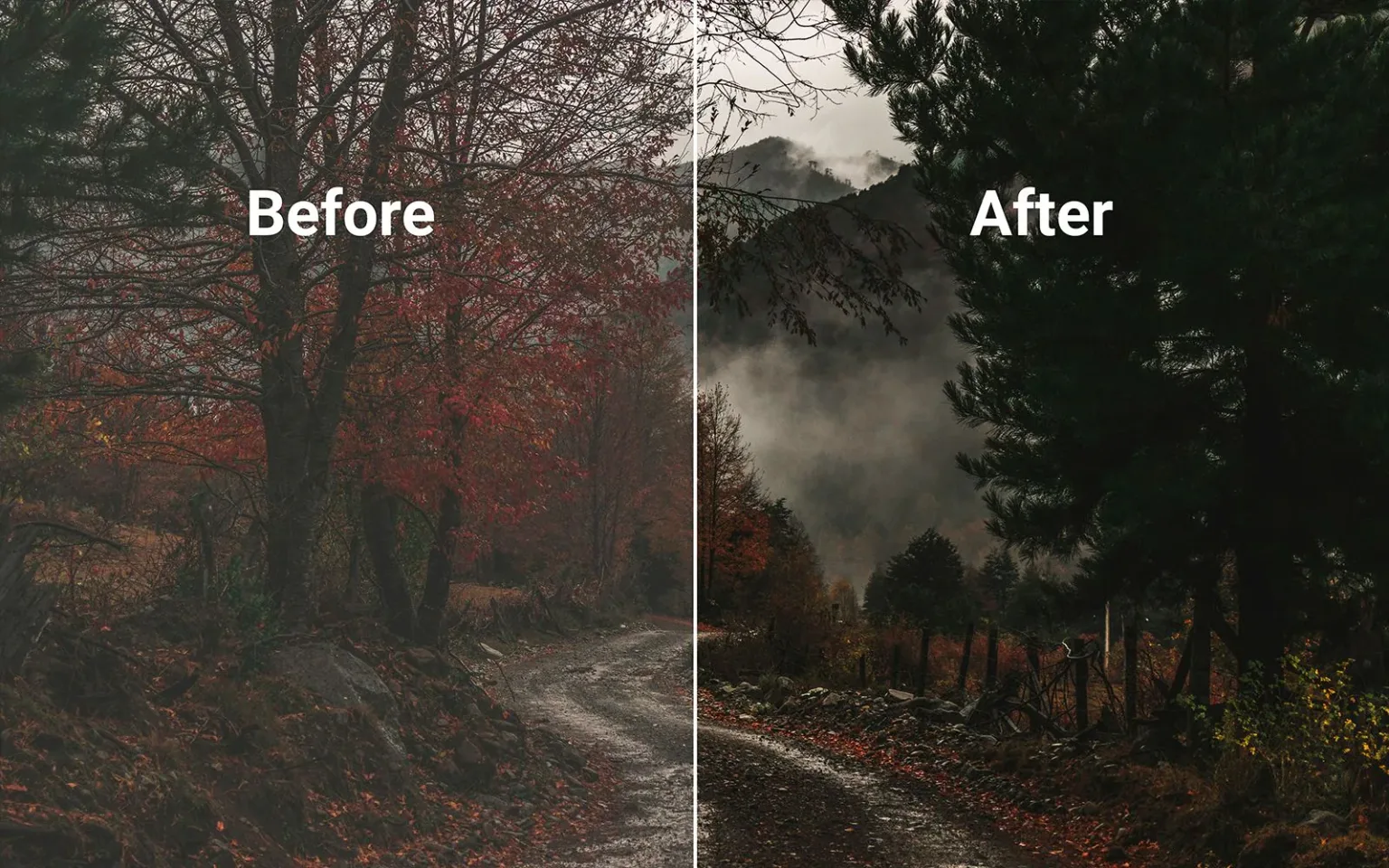
Contrast editing is one of the most powerful tools in photo editing — and one of the easiest to misuse. It doesn’t add color or detail on its own, but it determines how clearly shapes, textures, and subjects stand out.
This following guide of editing basics, is written for beginners and advancing photographers who want to understand contrast editing as a visual decision, not just a slider.
But before contrast editing even becomes a question, one thing matters more than any slider: being able to clearly see and choose the images you’re going to work on. When your photo library is scattered across folders, drives, or catalogs, editing decisions tend to be rushed or reactive. Photo organizer like Peakto help photographers bring their images together, so contrast adjustments are made deliberately—on the right photos, at the right moment.
Quick Answer : What is Contrast Editing ?
Contrast editing is the process of adjusting the difference between light and dark areas in a photo to create depth, separation, and visual impact. Used well, contrast gives structure to an image; used poorly, it can make photos look flat, muddy, or overly harsh.
If your photos feel flat, washed out, or too aggressive after editing, contrast is usually the reason.

Contrast Editing Meaning in Photography
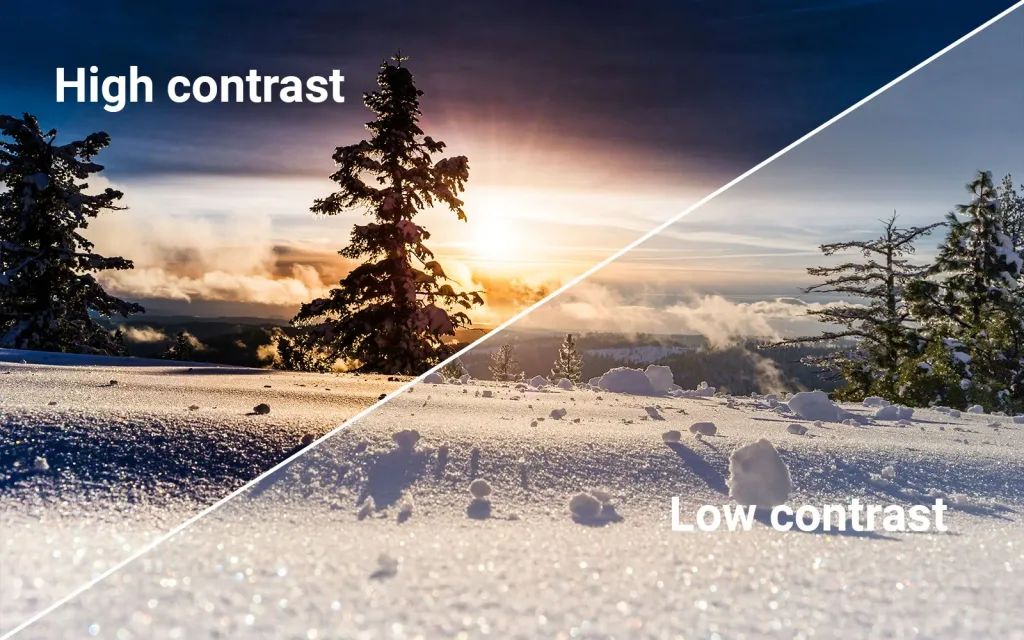
So you understood, in photography, contrast refers to the difference between the darkest and lightest tones in an image.
- Low contrast images have many midtones and soft transitions
- High contrast images show strong separation between shadows and highlights
Contrast editing is the act of shaping that tonal separation so the image feels intentional rather than accidental.
It doesn’t judge whether a photo is good or bad — it defines how clearly the image communicates form, depth, and focus.
A useful way to understand contrast is to think in separation, not strength.
Contrast decides:
- what feels crisp
- what feels soft
- where the eye naturally goes
Technically, contrast is often reflected in the histogram in photography. A wider tonal spread usually means more contrast, while a compressed histogram often means less.
This is why many photographers glance at the histogram once exposure is stable, before shaping tonal separation.
Why Contrast Editing Matters in Photo Editing
Contrast gives your image structure.
When contrast is too low:
- images feel flat or dull
- shapes blend together
- details lack separation
When contrast is too high:
- shadows block up
- highlights lose detail
- textures become harsh or crunchy.
This is why contrast editing plays a central role in editing basics workflows. It’s not about “more” contrast — it’s about the right amount for the scene.
Contrast Starts Before Editing
Contrast doesn’t begin in software.
It starts with:
- lighting quality
- direction of light
- time of day
- subject placement
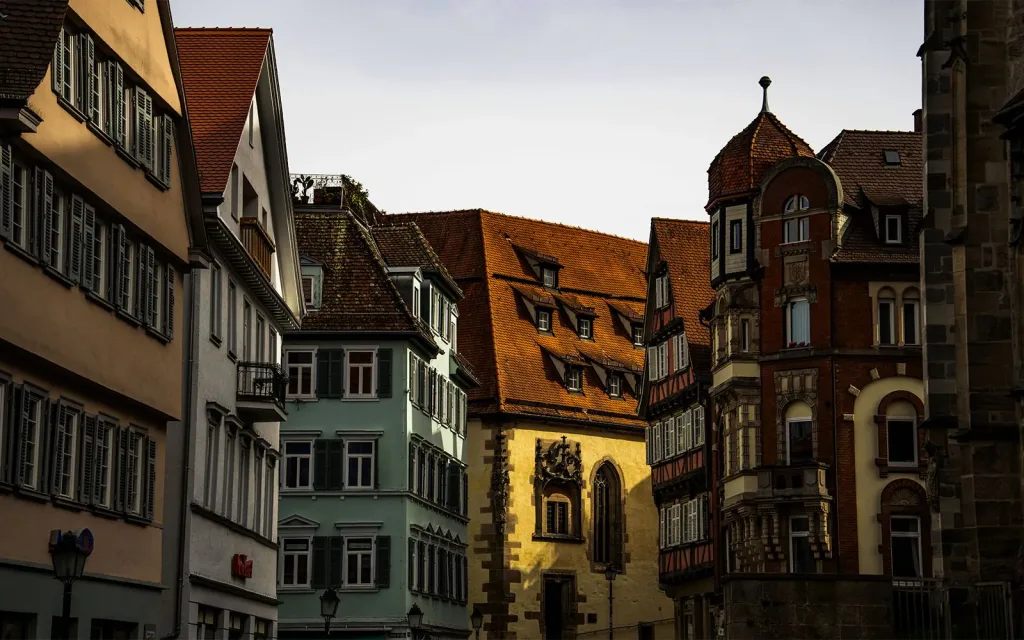
Harsh midday sun produces strong natural contrast. Overcast light softens it. Understanding this reduces how much corrective contrast editing you’ll need later.
Editing doesn’t create contrast from nothing — it refines what’s already there.
Why Contrast Comes After Exposure and White Balance
Contrast editing works best on a stable foundation.
If exposure isn’t set correctly, contrast adjustments exaggerate problems.
If white balance editing isn’t correct, contrast can amplify color casts.
That’s why contrast is usually adjusted after exposure and white balance, but before stylistic choices like heavy color work or creative effects.
This order keeps contrast decisions clean and intentional.
HDR
HDR (High Dynamic Range) is a technique that consists of setting an exposure range on the camera when shooting. Exposure bracketing is characterized by multiple exposures during a single shutter release. In concrete terms, this means taking several photos, usually 3, identical in terms of framing and depth of field, in aperture priority mode (A or Av) or in manual mode (M).
With this type of setting, the first image will be exposed in light tones, the second image in medium tones and the third in dark tones. The constraint of the reduced dynamic range of the camera is therefore eliminated. You can then, using photo editing software, assemble the well-exposed areas to obtain an image with a nice level of contrast, without overexposure or underexposure.
Filters
By using filters, it is possible to rebalance the tones as soon as you take pictures. Two types of filters allow this adjustment:
- the graduated neutral density gray filter (GND filter): it allows you to darken the lightest part of the image, without affecting the other part. The reduction of the gap between high and low light promotes better exposure of the scene;
- the polarizing filter: it allows you to partially eliminate the white light, and therefore to reduce the natural contrast of the photographed scene. The sensor can therefore record all the tones present in a scene at the time of taking the picture.
The Flash Fill-In
This term refers to the process of using the flash to open up or fill in the shadows. The camera flash is activated, even if there is sufficient light, to balance the contrast between the highlights and lowlights. As a result, details can be perfectly visible in shadows that are too strong (e.g., when the subject is backlit). It is also appropriate to use flash if the scene is static.
However, the effect can be too much, and the lighting will look artificial. In this case, it is necessary to slightly underexpose the flash via the dedicated button or manually reduce its power.
How Contrast Interacts with Saturation and Color
Contrast affects how color is perceived.
Once tonal structure is defined:
- saturation in photography becomes easier to control
- colors feel richer without being exaggerated.
If contrast is pushed too far, saturation can feel aggressive even at low values. This is why contrast editing usually comes before fine color adjustments.
Contrast Editing Tools and Techniques
Most photo editors offer several ways to adjust contrast:
Global Contrast Controls
The contrast slider increases or decreases overall tonal separation. It’s fast — and easy to overdo.
Tone Curves
Curves allow you to adjust shadows, midtones, and highlights independently. This gives more control and prevents crushed blacks or blown highlights.
Local Contrast Adjustments
Masks and selective tools let you increase contrast where it matters, without affecting the entire image. This is often how experienced photographers keep images natural while adding depth.
Good contrast editing is usually subtle — built from multiple small decisions rather than one strong move.
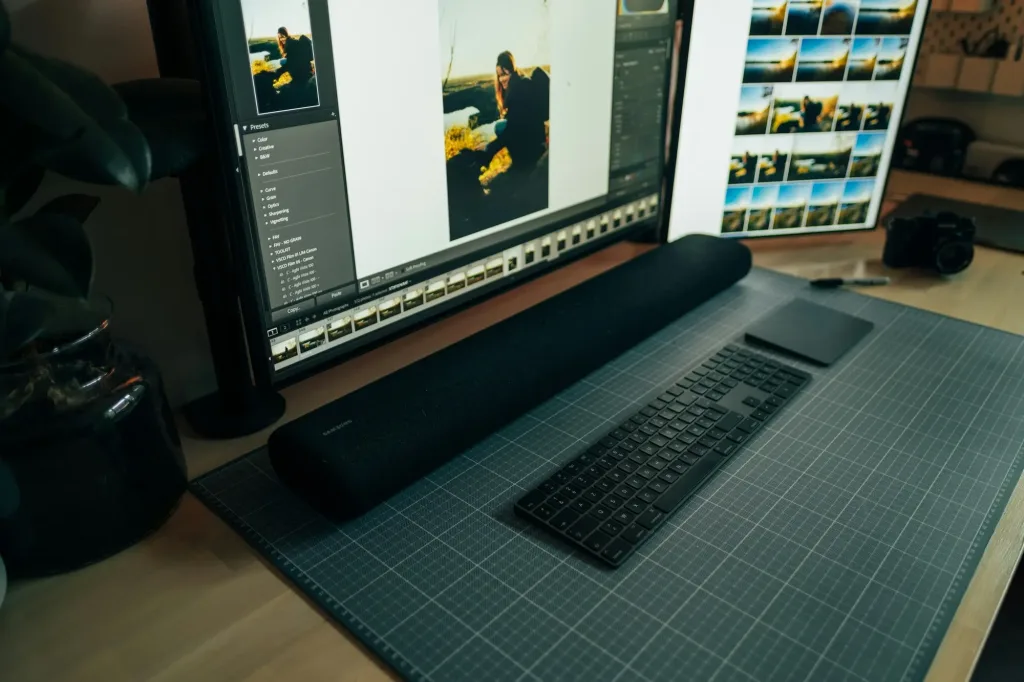
Using Photo-Editing Software
Lightroom, Luminar, Capture One, Photoshop, etc., a wide range of choices are available depending on the photographer’s computer equipment.
Effective contrast editing depends on how clearly you can see tonal differences
That’s why photographers often care about:
- reliable top photo editing software with good curve tools
- a calibrated display
- a smooth system — often leading to questions about the best computer for photo editing
Good tools don’t make better decisions — they make better decisions easier.
Contrast Is a Choice, Not a Rule
Contrast editing isn’t about making images louder — it’s about making them clearer.
Used well, contrast gives structure, depth, and focus. Used without intention, it creates harshness or confusion. The key is restraint and sequence: establish exposure, fix color, then shape contrast.
As photographers gain confidence, contrast stops being a correction tool and becomes a creative one. That’s often when curiosity expands toward refining color, improving tools, and exploring deeper pro tips for photo editing.
Contrast doesn’t define your style — but it supports it every time.
FAQ — Contrast Editing
What is contrast editing in photography?
It’s the process of adjusting tonal differences between light and dark areas to give images depth and clarity.
Should I always increase contrast?
No. The goal is appropriate contrast for the scene and mood, not maximum separation.
Does contrast affect color?
Indirectly, yes. Strong contrast changes how saturated colors appear.